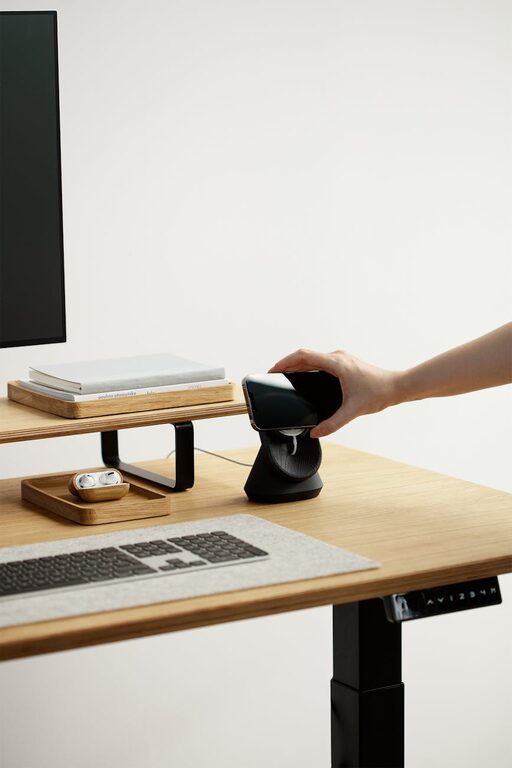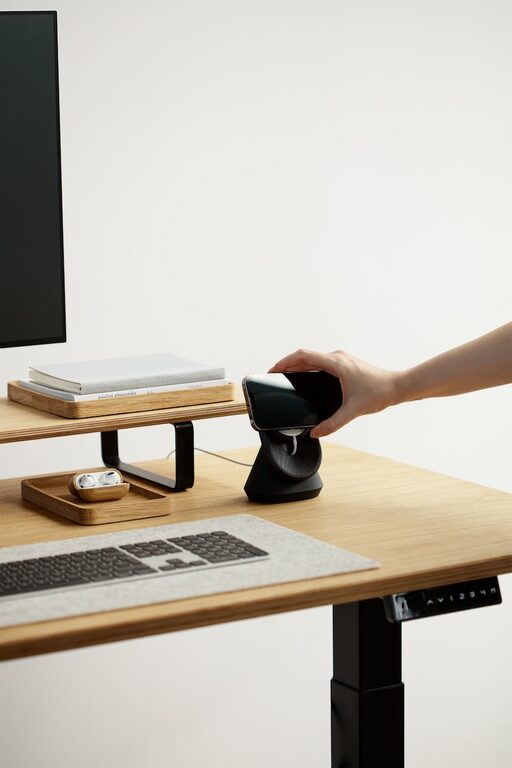

Creating a clutter-free workspace is one of the simplest yet most effective ways to boost your productivity. When your desk and surrounding area are tidy and well-organized, you can focus better, reduce stress, and work more efficiently. If you’re looking to improve your workspace setup, this guide will offer practical tips that anyone can implement.
Why a Clutter-Free Workspace Matters
A cluttered desk can be distracting. Papers, gadgets, and miscellaneous items scattered around your workspace can affect your concentration and make it difficult to find what you need. An organized workspace promotes a clear mind, helping you focus solely on your tasks. Plus, a clean and tidy environment can improve your mood and professional image.
Step 1: Start with Decluttering
Before organizing, start by decluttering.
– Clear everything off your desk. Remove all items and wipe down surfaces.
– Sort items into categories: Keep, relocate, and discard.
– Eliminate unnecessary items. Be honest about what you really use daily.
– Digitize paperwork. Scan important documents to reduce physical clutter.
Step 2: Define Zones in Your Workspace
Once you have fewer items to manage, create designated zones for different activities or materials.
– Work zone: Place your computer, keyboard, and essential tools here.
– Reference zone: Store books, manuals, or documents you need often but not all the time.
– Supply zone: Organize office supplies like pens, staplers, and sticky notes.
– Personal zone: Keep personal items minimal and tidy, such as a photo or plant.
Having clear zones can help you keep related materials together and minimize distractions.
Step 3: Use Smart Storage Solutions
Organizing tools make maintaining a clutter-free workspace easier.
– Desk organizers: Use trays, pen holders, or drawers to separate items.
– File holders: Vertical organizers or filing cabinets keep papers neat.
– Cable management: Use clips or sleeves to tidy computer cables.
– Storage boxes: Labelled boxes or bins store items you don’t need daily.
Choose solutions that fit your workspace size and style while promoting accessibility.
Step 4: Develop a Daily Cleanup Habit
Maintaining your clean workspace requires daily care.
– Set a 5-minute end-of-day routine to put items back in place.
– Review your desk every week for anything that doesn’t belong.
– Discard or recycle papers that are no longer needed.
– Update your digital files regularly to keep digital clutter at bay.
Consistency helps prevent clutter buildup, saving time in the long run.
Step 5: Personalize Thoughtfully
A workspace should feel inviting but not cluttered.
– Choose minimal decorations, like one or two small plants.
– Limit personal photos or memorabilia to avoid distraction.
– Use calming colors and good lighting to create a pleasant atmosphere.
Personal touches can increase comfort without compromising neatness.
Step 6: Optimize Your Digital Workspace
Physical clutter isn’t the only concern; digital clutter can also hinder productivity.
– Organize your desktop files into folders.
– Delete or archive unused files and emails.
– Use productivity apps to keep track of tasks.
– Back up important data regularly.
A tidy digital workspace mirrors a tidy physical one and helps you work more smoothly.
Conclusion
A clutter-free workspace takes some effort to create but pays off with increased focus, reduced stress, and improved productivity. By decluttering, zoning, using smart storage, maintaining daily habits, personalizing carefully, and managing your digital space, you’ll establish an environment that supports your best work.
Getting started today will bring noticeable benefits to your workflow and overall sense of wellbeing. Take it step by step and enjoy the calm and efficiency that come with an organized workspace!
About the Author