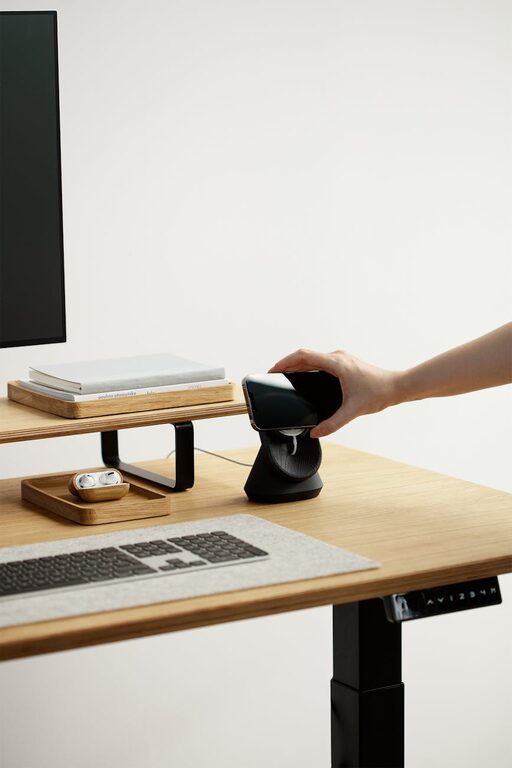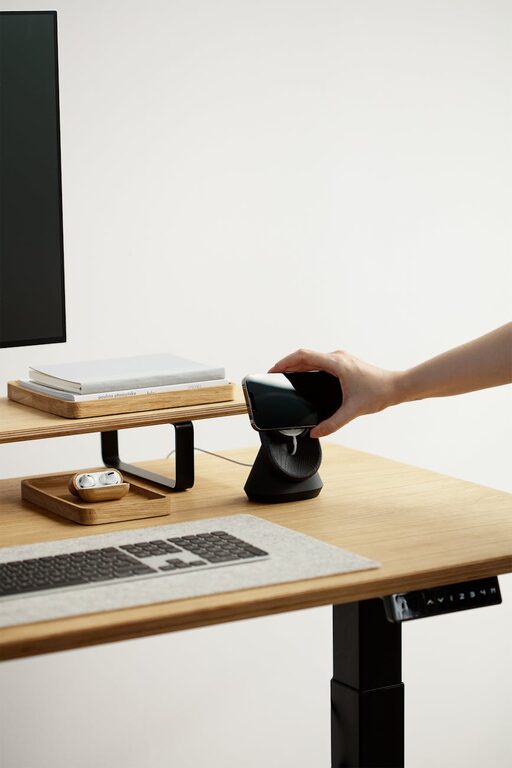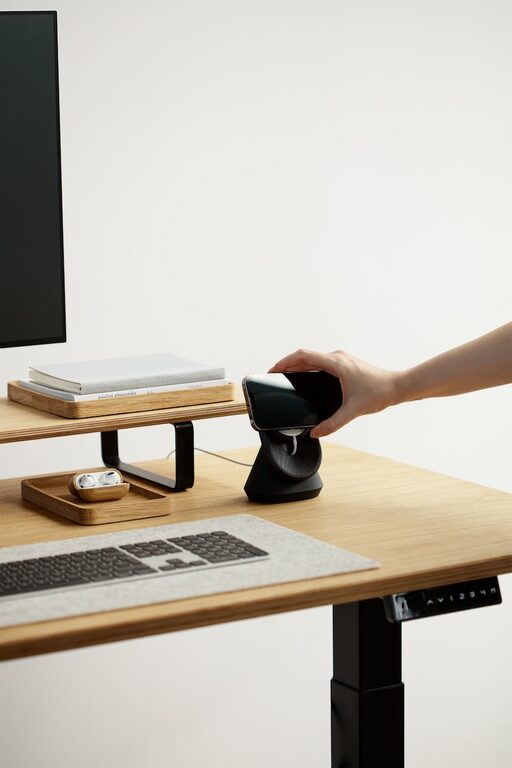
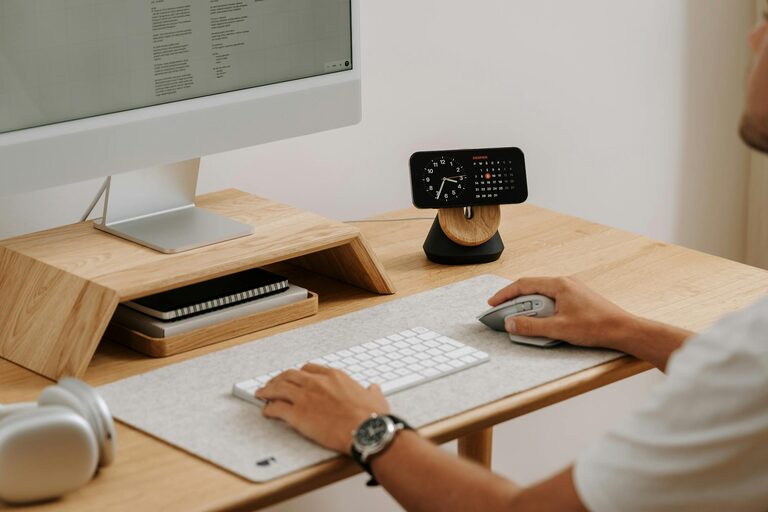
Creating a productive home office environment is essential for anyone working remotely or freelancing. With the right setup, you can maintain focus, reduce distractions, and improve your work quality. In this post, we’ll explore practical tips to help you design a workspace that promotes efficiency and comfort.
Choose the Right Location
The first step to a productive home office is selecting a suitable spot.
– Quiet and Low-Traffic Area: Pick a place away from household noise and interruptions.
– Natural Light: If possible, position your desk near a window to benefit from daylight, which can enhance mood and energy.
– Dedicated Space: Even a small corner can work well if it’s used only for work, helping your brain associate it with productivity.
Invest in Ergonomic Furniture
Comfort is key to maintaining focus during long working hours.
– Ergonomic Chair: A chair with good lumbar support reduces back strain.
– Adjustable Desk: If possible, use a desk that can shift from sitting to standing positions.
– Monitor Height: Position your monitor so the top of the screen is at eye level to avoid neck strain.
Organize Your Workspace
A tidy workspace encourages a clear mind.
– Declutter: Keep only essential items on your desk to minimize distractions.
– Storage Solutions: Use shelves, drawers, or organizers to store supplies efficiently.
– Cable Management: Use clips or sleeves to keep cords neat and prevent tangling.
Set Up Proper Lighting
Good lighting can reduce eye strain and boost mood.
– Task Lighting: A desk lamp with adjustable brightness allows focus on detailed work.
– Avoid Glare: Position screens to avoid glare from windows or lights.
– Balanced Lighting: Combine ambient, task, and natural light for a comfortable atmosphere.
Minimize Distractions
Creating boundaries helps maintain concentration.
– Use Headphones: Noise-canceling headphones can block out background noise.
– Set Boundaries: Communicate your work hours to family or housemates.
– Turn Off Notifications: Silence non-work-related phone and computer alerts during focus time.
Personalize Your Space
Adding personal touches can make your office more inviting.
– Plants: Indoor plants improve air quality and add a calming touch.
– Artwork or Photos: Items that inspire you can boost motivation.
– Comfort Accessories: Add a cozy rug or cushions to make the space pleasant.
Manage Technology Efficiently
Technology is a tool — set it up for seamless work.
– Reliable Internet: Ensure a strong internet connection for uninterrupted work.
– Necessary Equipment: Invest in quality peripherals like a keyboard, mouse, and webcam.
– Backup Power: A surge protector or backup battery can prevent data loss.
Establish a Routine
Building habits can increase productivity.
– Regular Hours: Keep consistent start and end times for your workday.
– Breaks: Schedule short breaks to rest your eyes and stretch.
– Daily Planning: Use to-do lists or planners to set clear goals for the day.
Keep It Clean
A clean workspace supports mental clarity.
– Daily Tidying: Spend a few minutes at the end of each day organizing your desk.
– Weekly Deep Clean: Wipe surfaces, dust, and vacuum regularly to maintain freshness.
—
Setting up a productive home office environment takes time and attention, but the benefits are well worth the effort. By carefully selecting your space, investing in comfort, organizing effectively, and maintaining healthy work habits, you can create a workspace that supports your best work every day.
About the Author