Creating a home office that balances comfort and productivity can transform the way you work from home. Whether you are new to remote work or simply want to enhance your current setup, designing a cozy and efficient space helps reduce distractions and boosts motivation. This guide offers practical tips and ideas to help you create a home office that feels inviting and supports your professional goals.
Choose the Right Location
The first step is selecting an ideal spot in your home to set up your office. Consider these factors:
– Natural Light: Opt for a space near a window to benefit from natural daylight. Good lighting improves mood and reduces eye strain.
– Quiet Environment: Pick a room or corner with minimal noise to maintain focus.
– Space Availability: Ensure there is enough room for your desk, chair, and storage without feeling cramped.
– Separation: If possible, choose a location separate from areas of high foot traffic to help separate work from home life.
Finding the right spot creates a foundation for both comfort and concentration.
Invest in Comfortable and Supportive Furniture
Your furniture plays a key role in your productivity and well-being.
– Ergonomic Chair: Choose a chair with lumbar support and adjustable height to maintain good posture during long hours.
– Proper Desk: A desk at the correct height reduces strain on your wrists and shoulders. Consider a desk with drawers or shelves to keep essentials close.
– Consider Standing Options: A sit-stand desk allows you to alternate positions and stay active throughout your workday.
Comfortable furniture reduces fatigue and helps you stay focused longer.
Organize Efficiently with Storage Solutions
Clutter can be distracting. Keep your workspace tidy by integrating smart storage:
– Shelving Units: Use wall shelves to store books, files, and decor without sacrificing floor space.
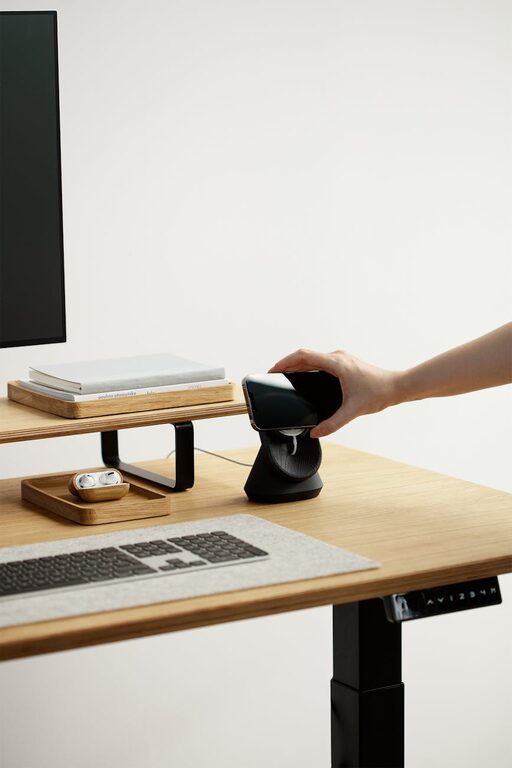
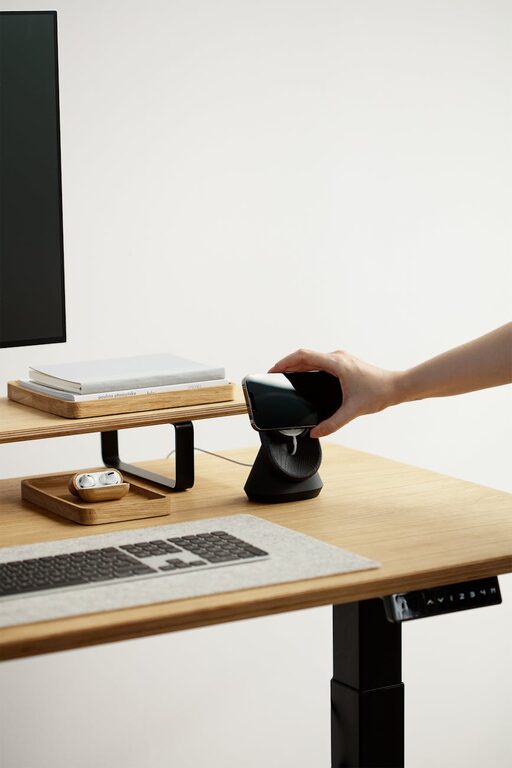
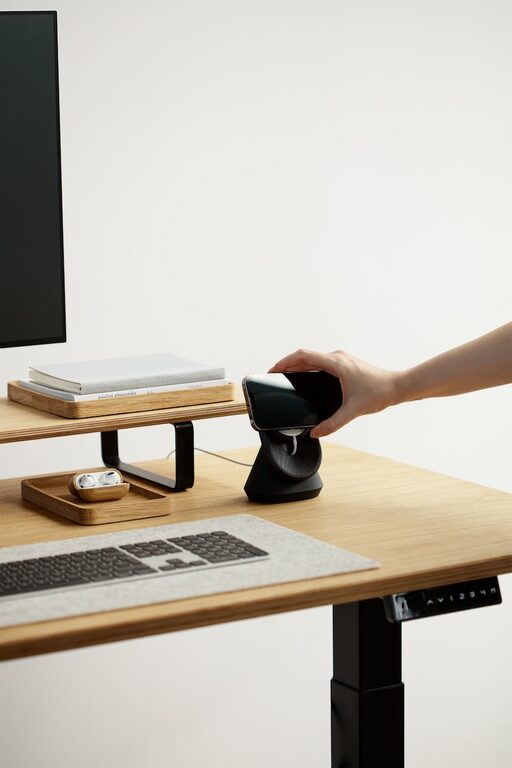
– Desk Organizers: Trays, pen holders, and file sorters keep small items orderly.
– Cable Management: Use clips or sleeves to avoid tangled cords that create visual clutter.
A neat workspace promotes a calm mind and enhances productivity.
Use Soothing and Motivating Colors
Colors affect mood and energy levels. Choose a palette that supports focus and comfort.
– Calming Shades: Soft blues, greens, and neutral tones create a peaceful environment.
– Pops of Color: Incorporate brighter accents like yellow or orange to inspire creativity.
– Personal Touch: Add artwork or plants that reflect your personality and make the space inviting.
Thoughtful colors help you feel relaxed yet energized.
Control Lighting for Comfort and Efficiency
Lighting is critical for both aesthetics and eye health.
– Ambient Lighting: Overhead lights provide general illumination.
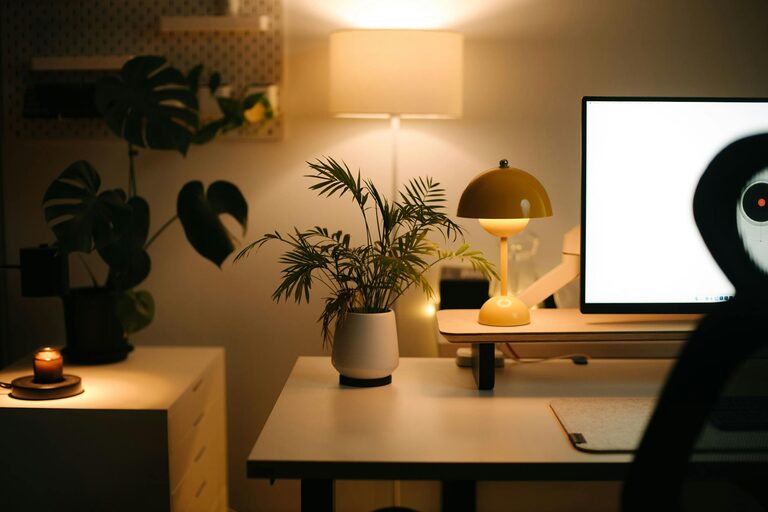
– Task Lighting: Desk lamps with adjustable brightness help reduce eye strain during detailed work.
– Natural Light Management: Use blinds or curtains to control glare on screens without blocking daylight.
Good lighting reduces fatigue and makes work easier.
Add Personal Touches for Inspiration
Making your workspace feel like “your” place can boost motivation.
– Art and Decor: Hang inspiring prints or personal photos.
– Greenery: Add plants for a touch of nature; they improve air quality and mood.
– Comfort Items: Use cushions, cozy rugs, or throws to create warmth.
Personalized touches turn your office into a space you enjoy spending time in.
Minimize Distractions
Maintaining focus is easier when distractions are limited.
– Separate Work and Leisure: Avoid placing your desk near distractions like the TV or kitchen.
– Use Noise-Canceling Headphones: They help block background noise if you can’t find a quiet spot.
– Set Boundaries: Communicate your work hours to family members and housemates.
A distraction-free environment helps you maintain momentum.
Manage Technology Effectively
Technology is central to a home office setup. Ensure it supports, rather than hampers, your work.
– Reliable Internet: A strong, stable connection is essential.
– Organized Devices: Position monitors at eye level and keep keyboards and mice within comfortable reach.
– Backup Power: A surge protector or UPS can protect your equipment during outages.
Keeping your tech setup efficient enhances workflow and prevents frustrations.
Develop a Routine and Maintain Your Space
Your workspace benefits from regular upkeep.
– Daily Tidying: Spend a few minutes at the end of each day clearing your desk.
– Routine Breaks: Step away periodically to stretch and recharge.
– Adjust Setup as Needed: Periodically review your space to see what could be improved.
Consistency supports a productive mindset and maintains a cozy environment.
—
By applying these tips, you can create a home office that feels comfortable and inspires productivity. A well-designed workspace not only improves your work quality but also your overall work-from-home experience. Take the time to tailor your home office to your needs and enjoy a balanced, efficient workday.
About the Author