Creating a comfortable and functional workspace at home is essential for anyone working remotely or pursuing personal projects. A thoughtfully designed workspace can boost your productivity, reduce stress, and make working from home more enjoyable. Whether you have a dedicated room or a small corner, these tips will help you set up an efficient home office tailored to your needs.
Choose the Right Location
The first step is to select an area in your home that supports focus and minimizes distractions. Ideally, this space should:
– Have adequate natural light
– Be quiet and away from high-traffic areas
– Offer enough room for your equipment and storage
If space is limited, consider using a foldable desk or placing your workspace near a window to make the most of your surroundings.
Invest in Ergonomic Furniture
Comfort plays a significant role in maintaining productivity throughout the day. Key furniture considerations include:
Chair
Select a chair that supports good posture. Look for adjustable height, lumbar support, and sufficient cushioning. Spending a little more on a quality chair can prevent discomfort and potential back issues.
Desk
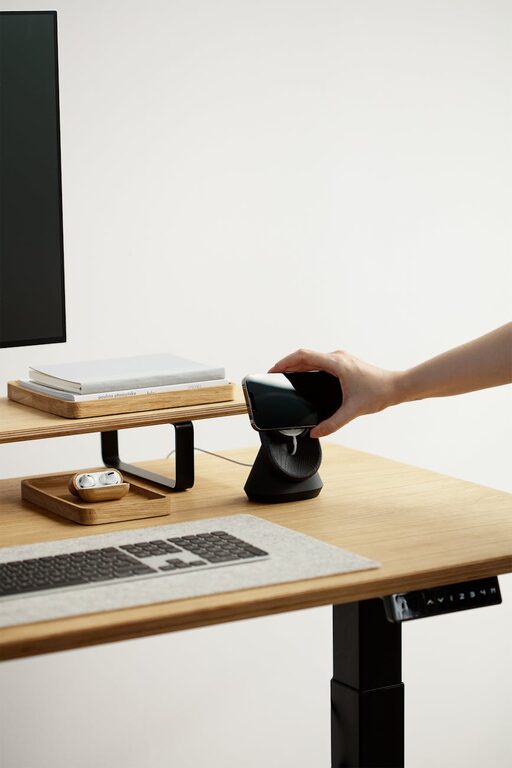
Your desk should be large enough to hold your computer, supplies, and any additional tools you regularly use. Adjustable desks or standing desks are great options to alternate between sitting and standing.
Optimize Lighting
Proper lighting reduces eye strain and enhances focus. Here are some tips:
– Make the most of natural light by positioning your workspace near windows.
– Use a desk lamp with adjustable brightness for focused tasks.
– Choose soft white or daylight bulbs to create a comfortable ambiance.
Avoid screen glare by arranging your computer perpendicular to windows.
Keep Your Workspace Organized
A clutter-free environment helps clear your mind and saves time searching for essentials. Consider these organizational strategies:
– Use shelves, drawers, or containers to store supplies.
– Keep frequently used items within arm’s reach.
– Regularly declutter to maintain a tidy workspace.
Cable management solutions, like clips or sleeves, can also help reduce visual distractions.
Personalize Your Space
Adding a personal touch can make your workspace more inviting. A few ideas:
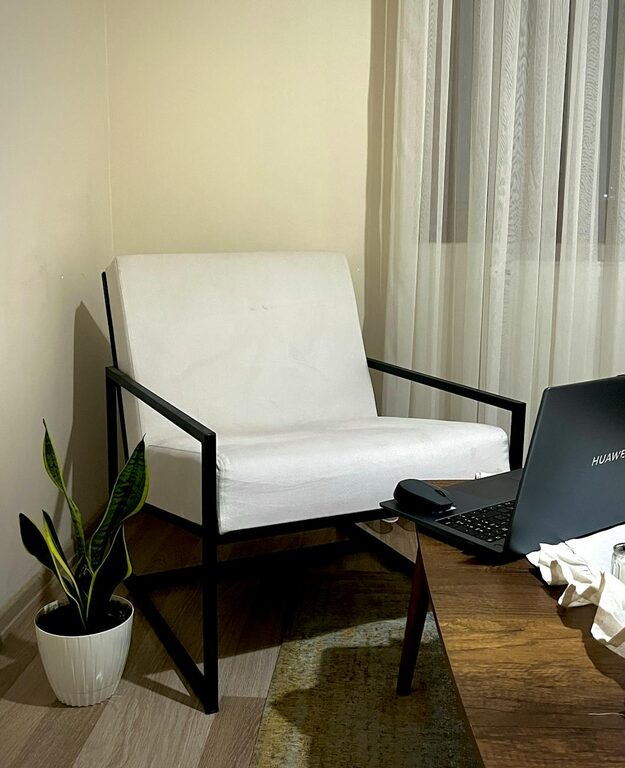
– Include plants to improve air quality and add a calming element.
– Hang artwork or inspirational quotes.
– Choose colors that boost your mood — blues and greens are often calming, while yellows can increase energy.
Set Boundaries Between Work and Home Life
Working at home can blur the line between professional and personal time. To help maintain balance:
– Establish specific working hours.
– Use rituals to start and end your workday, like tea breaks or a short walk.
– Communicate your schedule with family or roommates to reduce interruptions.
Use Technology Wisely
Ensure your technology supports your workflow smoothly:
– Invest in a reliable internet connection.
– Use noise-canceling headphones if you’re in a noisy environment.
– Set up dual monitors or ergonomic peripherals if your work involves multiple tasks.
Maintain Good Air Quality and Comfort
A comfortable temperature and fresh air contribute to your overall wellbeing. Tips include:
– Open windows when possible.
– Use fans or heaters to regulate temperature.
– Introduce air-purifying plants or a small air purifier.
Take Regular Breaks
Remember to give yourself short breaks to stretch, rest your eyes, and move around. This can help prevent fatigue and improve focus.
—
Setting up a home workspace that balances comfort and functionality doesn’t have to be complicated. By choosing the right location, investing in ergonomic furniture, organizing thoughtfully, and personalizing your area, you can create an environment where productivity and wellbeing thrive. With these tips, your home office can become a place you look forward to working in every day.
About the Author