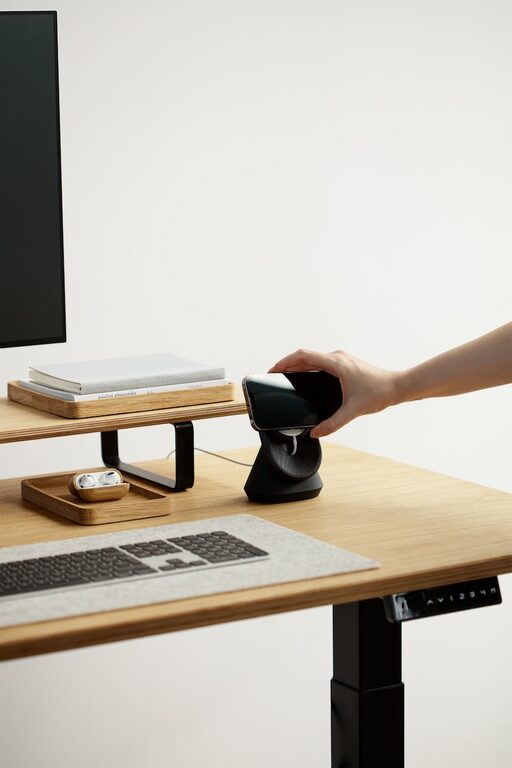

Creating a home workspace that balances coziness with productivity can greatly improve your work-from-home experience. Whether you’re freelancing, managing a remote job, or pursuing personal projects, having a dedicated area that feels inviting yet focused can boost your motivation and effectiveness. Here are some helpful tips to design a home office that invites both comfort and concentration.
Choose the Right Location
Consider Natural Light
Whenever possible, position your desk near a window. Natural light can improve mood and reduce eye strain, making it easier to work for longer periods without fatigue.
Minimize Noise Distractions
Select a quiet spot, away from household traffic and noisy appliances. If noise is unavoidable, consider adding soft furnishings or noise-cancelling headphones to maintain focus.
Utilize Available Space Wisely
If you don’t have a spare room, don’t worry. A corner of your bedroom, living room, or even a hallway nook can be transformed into an efficient workspace with thoughtful planning.
Invest in Comfortable and Functional Furniture
Ergonomic Chair and Desk
An adjustable chair that supports your back and promotes good posture is essential. Pair it with a desk at the right height to keep your wrists and arms comfortable during typing or writing sessions.
Additional Furniture for Storage
Shelves, filing cabinets, or storage bins help keep your workspace clutter-free. Organized storage makes it easier to find what you need and reduces distractions.
Personalize Your Space
Select Calming Colors
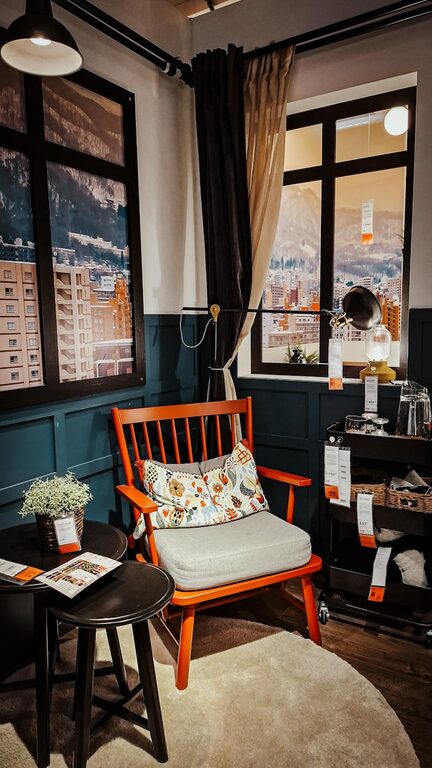
Soft, neutral tones or muted blues and greens can create a calm atmosphere that helps reduce stress.
Add Personal Touches
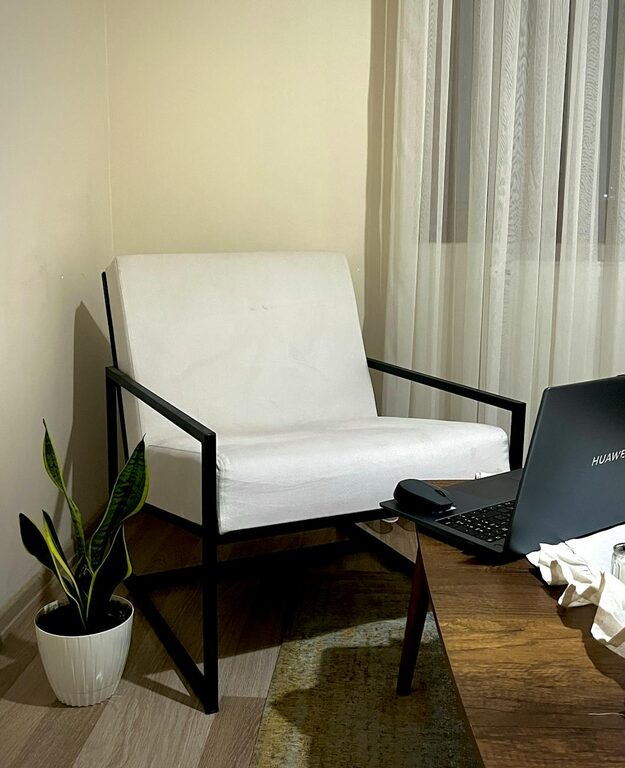
Incorporate items that make you happy and motivated, such as photos, plants, or artwork. Plants not only enhance aesthetics but also improve air quality.
Control Lighting
Besides natural light, use a combination of task lighting and ambient lighting. A desk lamp with adjustable brightness lets you tailor illumination to your needs.
Organize for Efficiency
Use Desk Organizers
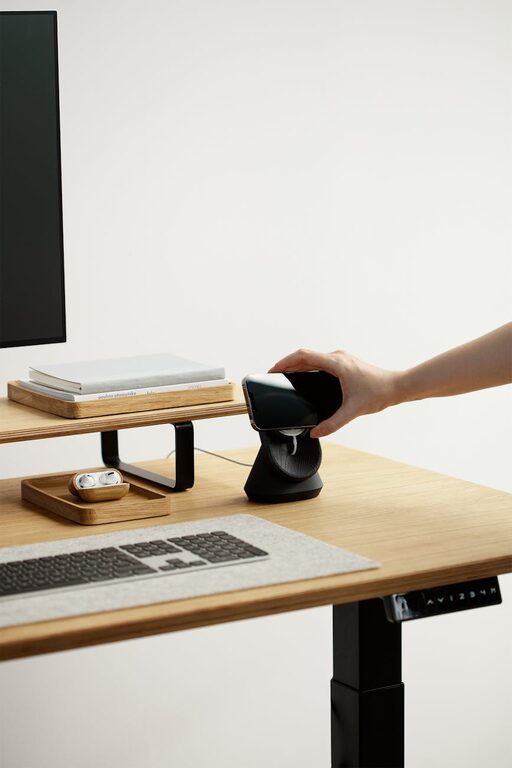
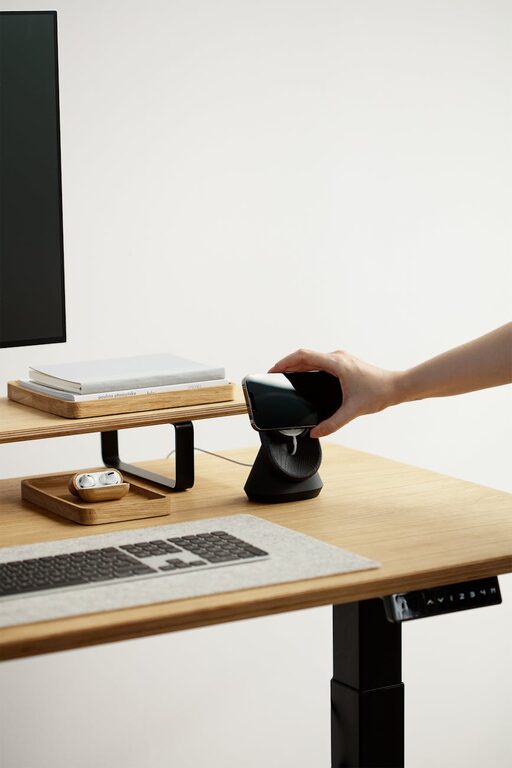
Keep your essentials like pens, notes, and gadgets in designated holders to prevent clutter and save time searching.
Digital Organization
Maintain a tidy desktop on your computer and use apps or tools to manage your tasks and files efficiently.
Cable Management
Use clips or cable sleeves to keep cords tidy. This reduces clutter and prevents accidents.
Establish Boundaries and Routines
Define Work Hours
Set clear start and end times for your workday. This helps maintain work-life balance and signals to others when you’re unavailable.
Create Transition Rituals
Begin and end your workday with a routine, such as a brief walk or tidying up your desk, to mentally switch between work and personal time.
Minimize Interruptions
Inform household members about your work schedule to reduce interruptions. Use ‘do not disturb’ signs or signals if needed.
Incorporate Healthy Habits
Take Regular Breaks
Use the Pomodoro technique or similar methods to schedule brief breaks, helping maintain focus and avoid burnout.
Stretch and Move
Incorporate stretches or short walks into your routine to ease muscle tension and improve circulation.
Stay Hydrated and Nourished
Keep a water bottle nearby and plan for healthy snacks to maintain energy levels throughout the day.
Technology Tips for Smooth Workflow
Reliable Internet Connection
A strong and stable internet connection is crucial for virtual meetings and efficient communication.
Quality Headphones and Microphone
Good audio equipment enhances the clarity of calls and reduces background noise.
Backup Power Solutions
Consider an uninterruptible power supply (UPS) for your computer to prevent data loss during outages.
—
Designing a cozy and productive home workspace is about blending comfort, functionality, and personal style. By thoughtfully selecting your location, furniture, organization systems, and routines, you create an environment that supports your best work and well-being. With these tips, your home office can become a place you enjoy visiting each day, no matter what tasks await.
About the Author